

CodeIndexer
Agents, MCP Server, Api, Integrations, Workflows, Cli, Sdk, Ide, Debugging, Git, Documentation, Task Management, Project Management, Security, Self Hosted, Saas, Mac, Windows, Linux
About CodeIndexer
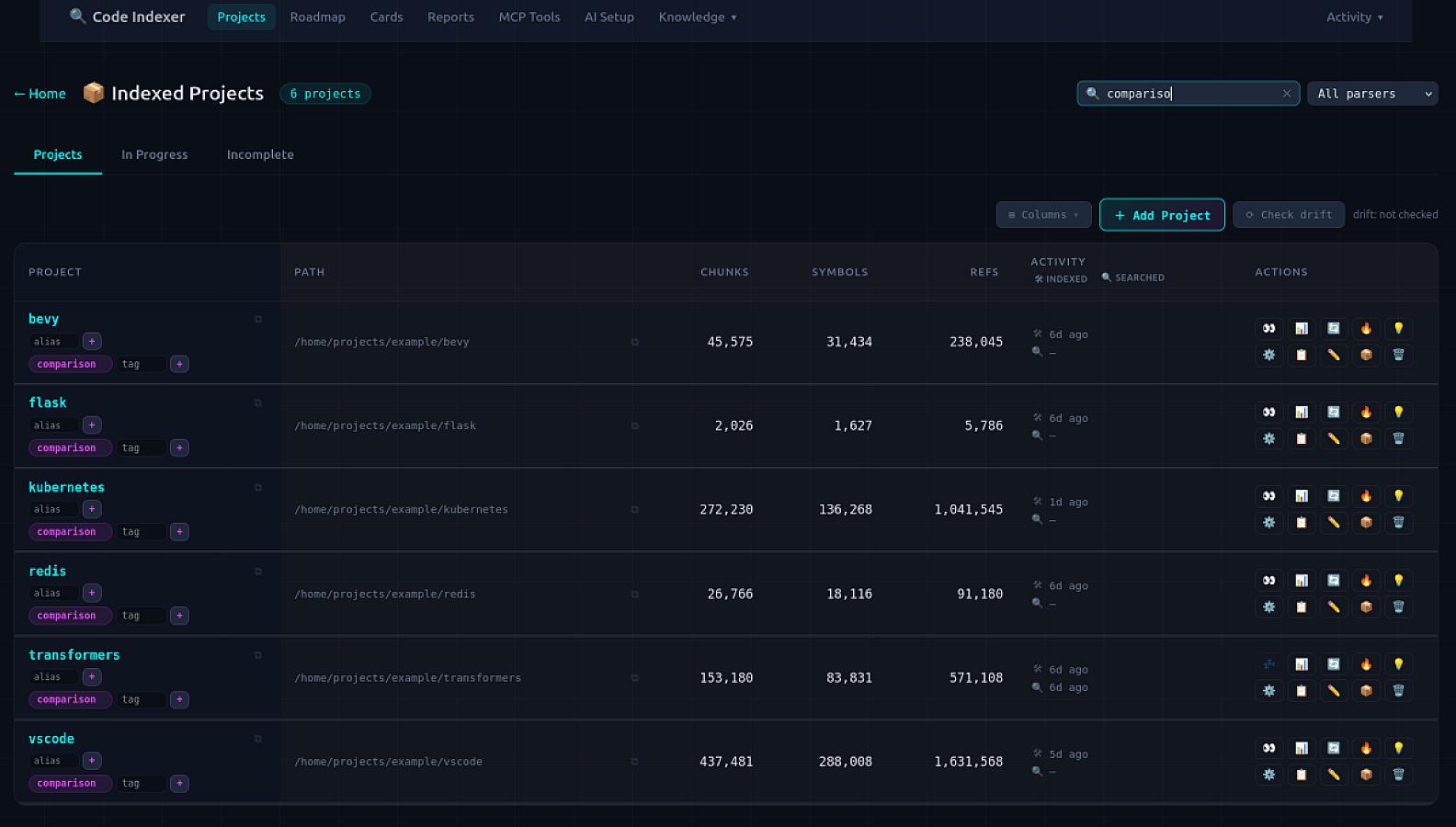
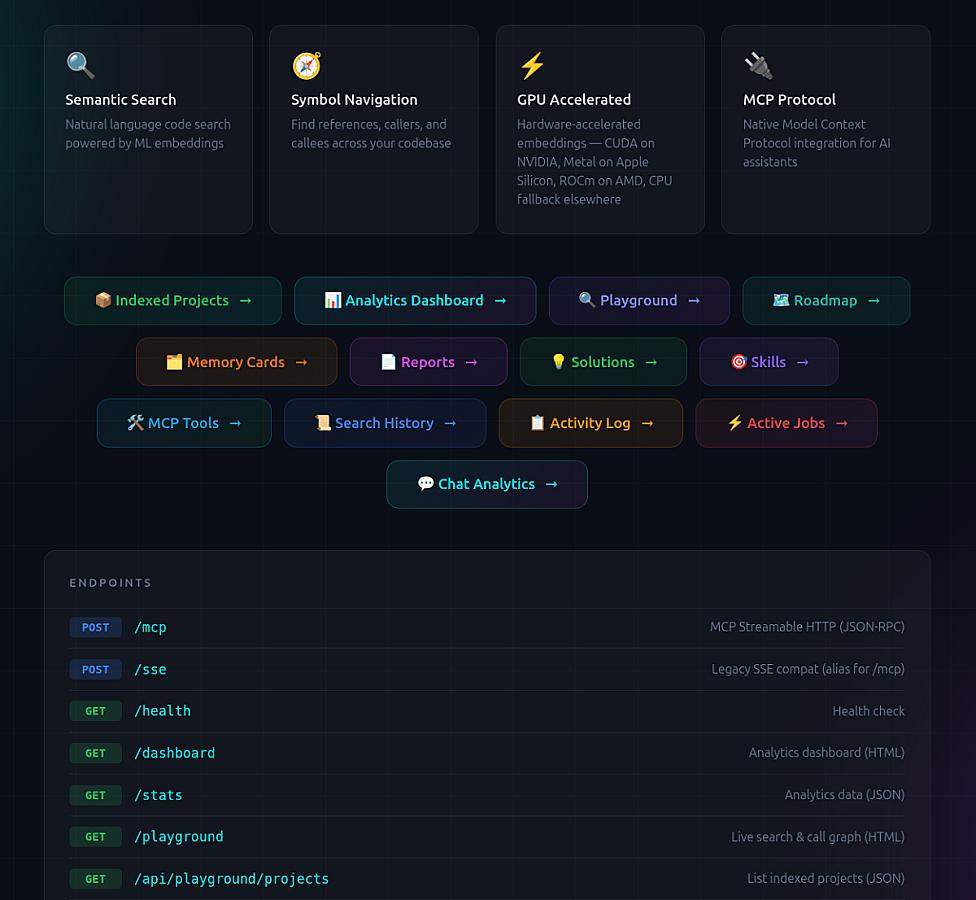
Codeindexer is a local MCP server for AI coding agents that turns your codebase into a queryable intelligence layer. Instead of forcing tools like Claude Code, Cursor, Copilot, Codex CLI, or other MCP clients to repeatedly grep and re-read files, Codeindexer indexes your repositories into a real code graph with symbols, callers, callees, references, imports, and cross-file relationships. This lets agents answer questions like “what breaks if I change this function?” from actual code structure rather than guesses, while saving tokens and reducing context waste.
The product covers three core vectors. First, code intelligence: semantic and symbolic search, real call graphs, blast-radius analysis, dead-code discovery, and multi-language indexing help AI agents understand how a project is connected. Second, planning and memory: persistent memory cards, decisions, gotchas, solutions, tasks, roadmaps, and review threads let agents continue from previous sessions instead of rediscovering the same architecture every time. Third, security and privacy: Codeindexer runs locally, keeps source code on the user’s machine, and includes audit capabilities for secrets, taint flows, complexity, anti-patterns, malware patterns, and supply-chain risks.
In short, Codeindexer gives AI coding agents long-term memory, structural code understanding, task planning, and local security-first workflows — making them faster, cheaper, and safer on real-world codebases.
Screenshots
Expand Image
Expand Image
Reviews & Ratings
What the community thinks about CodeIndexer
Please log in to write a review and earn points.
Sign InNo reviews yet
Be the first to share your experience!
Visit Website











Share
Pricing model
Paid
Community Upvotes
Category
Developer Tools
Submitted
1 month ago
Published
Jun 10, 2026
Tags
#Agents
#Api
#Cli
#Ide
#Task Management
#Project Management
#Internal Tools
#Self Hosted
#Saas